Cesium for Unreal Quickstart
Step 1: Install the Cesium for Unreal plugin
- Open the Cesium for Unreal plugin page on the Unreal Engine Marketplace.
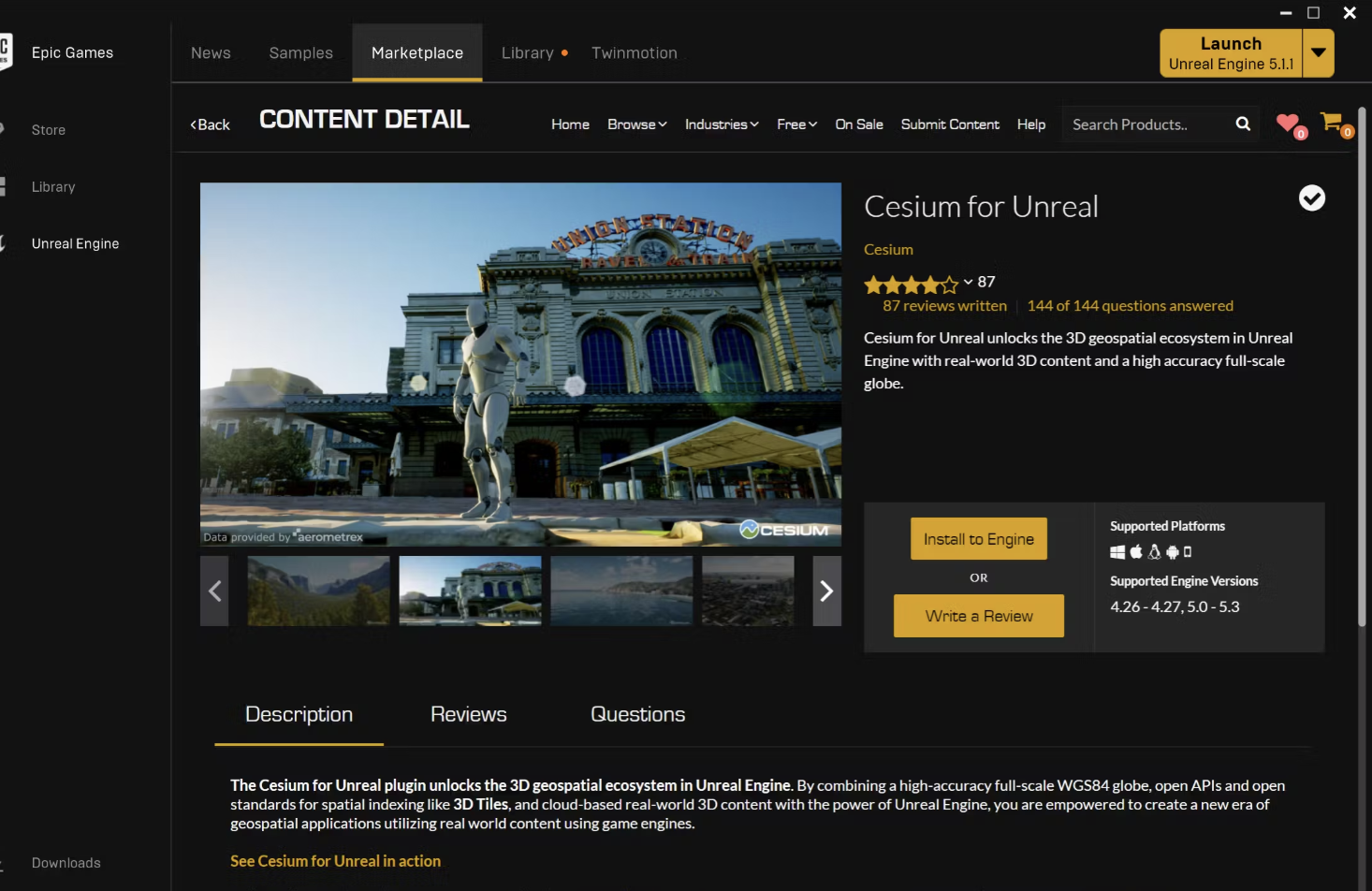
- click the Install to Engine button to add the plugin to your Unreal Engine installation.
Step2: Create a Cesium for Unreal project
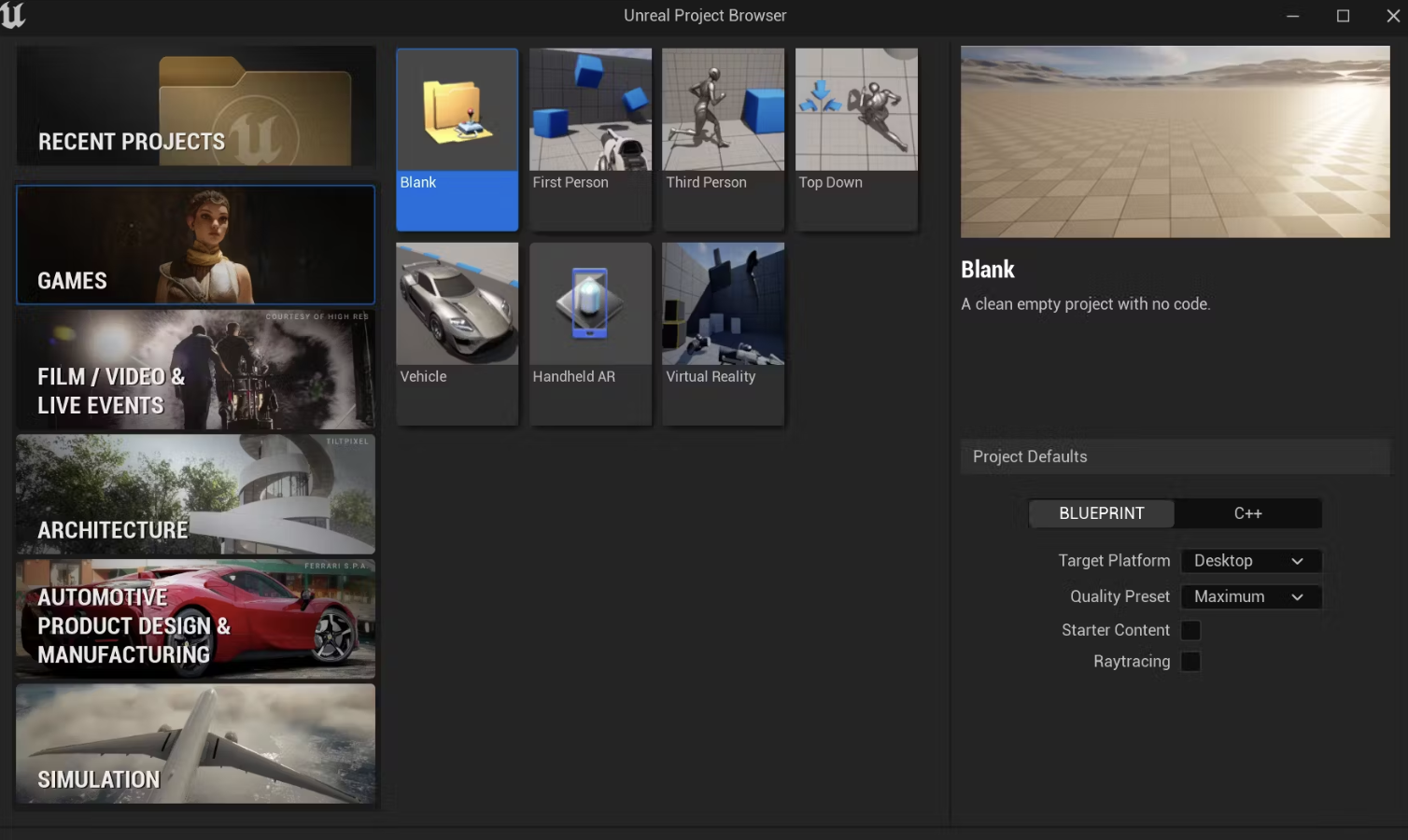
Select Game as the New Project Category and Blank as the Template.
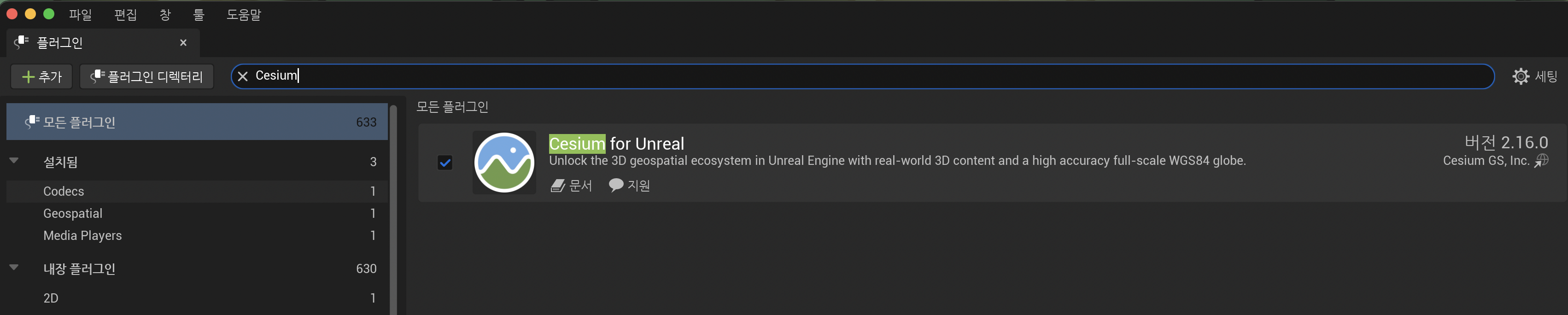
Open the Plugins window (Edit -> Plugins) and search for “Cesium” in the search bar at the top of the Plugins window.
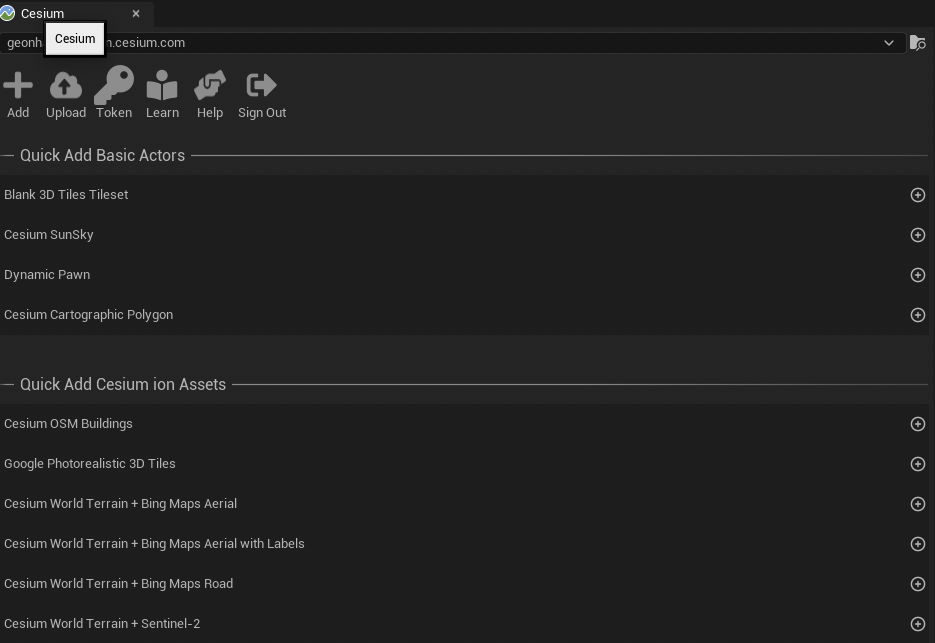
Open the Cesium panel by clicking Window

Token Click -> new token or existing token
Cesium SunSky, Cesium World Terrain + Bing Maps Aerial, OSM Buildings -> + click
right panel : Outliner -> CesiumCreditSystemBP0 Click
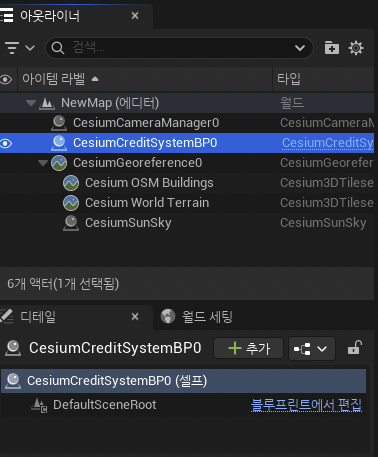
Select the CesiumGeoreference actor in the Outliner.
In the Details panel, look for the Origin Latitude, Origin Longitude, and Origin Height variables under the Cesium category.

'Digital Twin > CesiumJS' 카테고리의 다른 글
| Visualize a Proposed Building in a 3D City (0) | 2025.05.20 |
|---|---|
| Build a Flight Tracker (0) | 2025.05.19 |
| CesiumJS 개발 환경 준비(IntelliJ 기준) (0) | 2025.05.15 |
| CesiumJS란? (0) | 2025.05.13 |

